
Amica's PathLab provides pathology labs with a powerful, configurable and easy-to-use web-based platform for managing your lab. The Rules-based design make it asy to configure to your workflow and collaboration requirements.
Orders can originate from: web portal (phone, PC & tablets), CSV upload, EHR and JSON API.
Comprehensive support for specimen intake, storage and chain of custody reporting.
Report templates are easily created using text files or word documents. When collaborating the work of multiple clinicians can be tracked individually and then combines for final report. Voice to text is built in to support report preparation.
Once results are approved for release the system automatically delivers result report to patient and/or provider via: email, fax or text. Master copy is permanaently retained on cloude server as encyypted (256 AES) PDF file. Detailed distribution history is maintained for each report along with retention requirements.
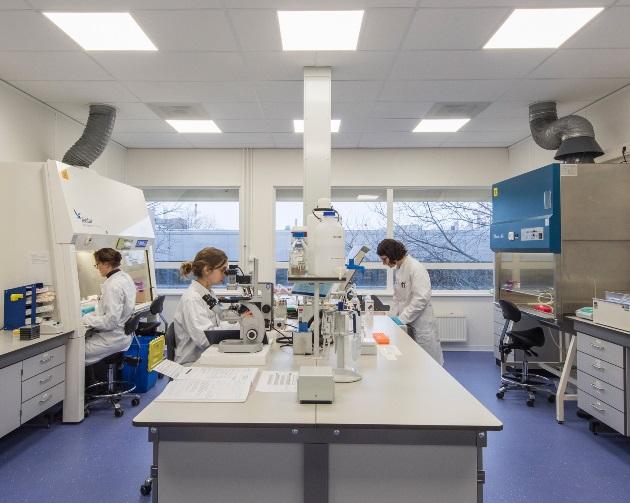

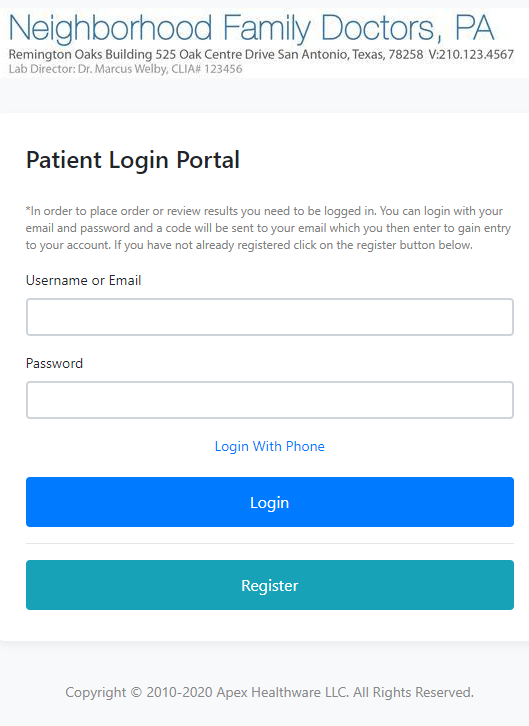
PathLab provides multiple ways to enter orders: CSV upload, HL7, JSON API, Mobile order entry, web portal, XML and custom (e.g. anything you want).
As part of the deploy process our Deploy Team will build you an order entry form to any format you request. The PathLab supports ove 200 data items which can be part of your order form (including attached files or images). Each order entry item can be specified as optional or required, can have set of valid options and a default value.
Order FormsThe PathLab is designed to handle any order entry option you require. The Amica PathLab Deployment Team will build you a custom order entry form to meet your exact needs..
The PathLab case manger can be easily configured to match your workflow requirements. When a new case is created you can accept mutiple specimens (no limit) and for each specimen you can, optionally, attach files or images.
When accessioning the application can send email, fax or text confirming successful receipt or reason for rejecting a specimen.
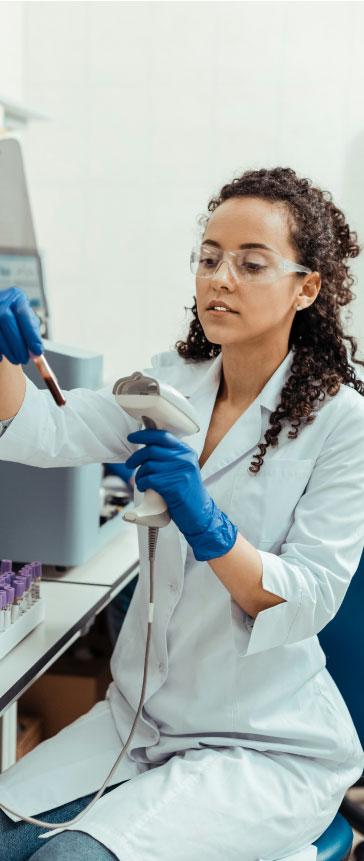
The design of our Specimen Manager includes barcode enabled chain of custody tracking and easy storage and retrieval using barcodes. The PathLab provides full support for the generation of "child" specimens from original specimen.
The Case Manager is able to easily assign procedures to one, or more, collaborators in same or partner remote lab. PathLab tracks each specimen (and any aliquots) through all procedures. One, or more, clinicians are able to record obsrvation notes using either templates or through voice to text processing. Once all procedures are completed the PathLab will combine all observations into final report. The final report may then present findings conclusion. The PathLab anticipates that final reports may be routed to senior staff for approval and release.
Case Management FormsThe PathLab is designed to handle any order entry option you require. This can be set by client for conmmercial labs.

Case reports can be easily and efficiently created using voice to text to prepare reports. The PathLab includes a library of common phrases that can be easily inserted into draft report and then cusomized if needed.
The preparation of case reports supports collaboration amongst multiple clinicians located in same or collaborating labs.
The PathLab provides an easy-to-use Template Manager that allows you to quick create templates for your typical procedures.
Report Creation FormsThe PathLab is designed to handle post processing based on client supplied rules.
Once a results report is approved for release the system first generates and encrypted PDF that becomes the permanent Record. The PathLab checks its workflow rules to determine client-specific reporting workflow. PathLab checks the mode of delivery and to which individuals. Delivery by fax, email and text are supported. A complete distribution history is maintained for each result report.
Results ReportingThe PathLab is designed to let you set secure distribution rules for each of your clients.